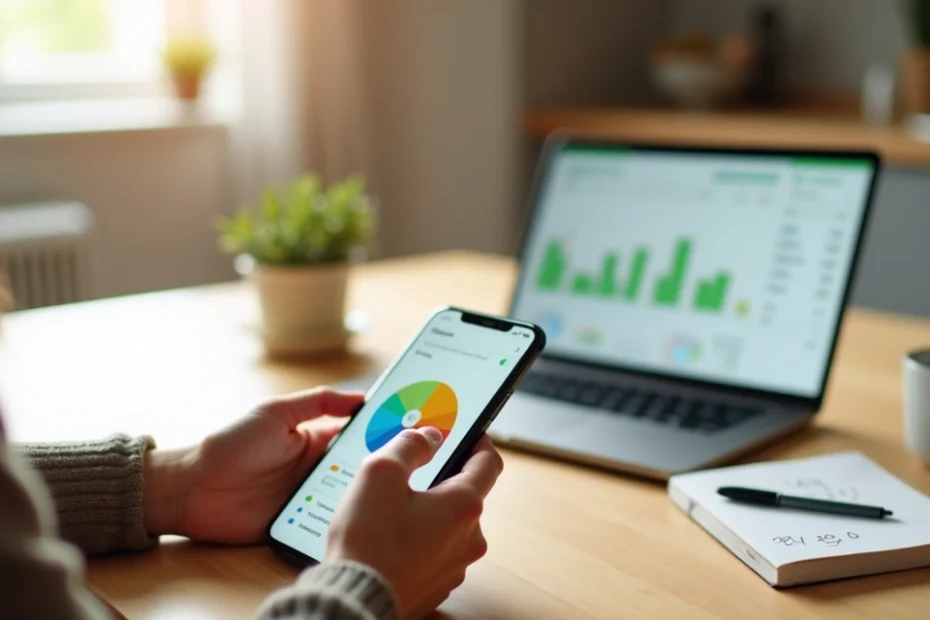
Money can slip through our fingers faster than we expect. We have all felt that uncertainty: where did the money from last month actually go? At some point, most of us realize we need better tools to see where every coin lands. This is where budgeting apps step in as our digital allies. We want to show you how to use them to bring order, confidence, and calm to the task of handling money.
Why use budgeting apps?
Every day, we see more people shifting away from pen-and-paper and complicated spreadsheets. The reason is clear: budgeting apps make tracking, planning, and adjusting our finances much easier.
Take control, one tap at a time.
Many of us feel anxious or overwhelmed by the thought of organizing our money. With budgeting apps, we often find that the process feels less intimidating. The right app can simplify the job, automate boring tasks, and even offer insights we would not have noticed by hand.
What should a good budgeting app offer?
Not all budgeting apps are the same, of course. In our experience, a tool stands out when it focuses on clear, easy-to-use features that really help us manage daily financial challenges. Some features have become nearly universal because they make such a difference.
- Automatic tracking: Many apps let us connect our bank accounts, so transactions update instantly.
- Customizable categories: We can organize our spending into categories that reflect our actual needs and habits.
- Reminders and alerts: These help us pay bills on time and stay on target with our spending plans.
- Goal setting: Features that let us mark savings goals or debt payoffs give purpose to our budgets.
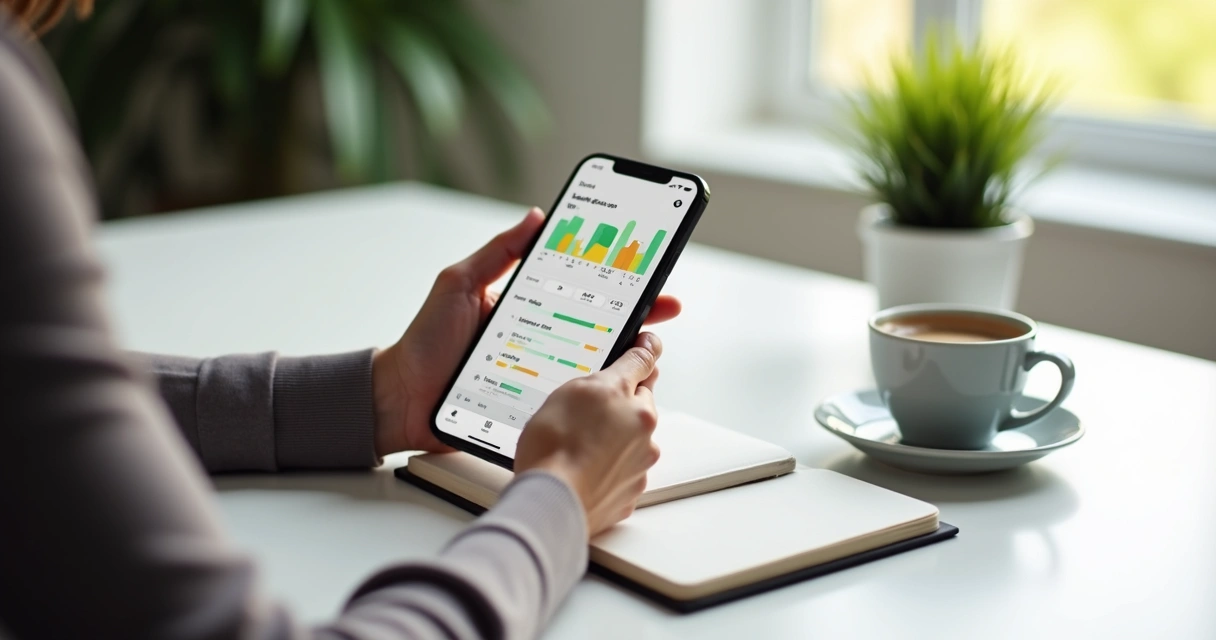
- Reports and summaries: Charts and graphs turn a pile of numbers into information we can actually use.
It helps when an app is simple enough for anyone to pick up, whether we only want to keep an eye on spending, or we love digging into every detail.
How do budgeting apps work?
Budgeting apps help us track income, record expenses, and plan for future spending in a single digital space. Usually, the first step is to connect our bank accounts or enter data manually. From there, each purchase shows up in the app. Categories like groceries, transport, entertainment, and rent appear, and we assign spending under the right heading.
This automatic tracking can be a game-changer. Instead of wondering if we forgot something, the app adds things up for us. If privacy is a worry, many apps let us add information by hand instead, so we control what is shared.
The real beauty of a good budgeting app is the instant feedback. Sometimes a single look at the pie chart tells us it is time to cut back on takeout, or that we have more to save than we expected.
Who benefits the most from budgeting apps?
We have found that almost anyone can benefit. Some groups see the biggest impact:
- Students: Keeping track of grants, loans, and spending on a busy schedule is so much easier with the right tool.
- Families: Coordinating between multiple incomes and shared expenses can get confusing fast without clarity.
- Young professionals: Budgeting for rent, fun, and future goals starts habits that can last a lifetime.
- Self-employed people: Managing irregular income and tracking deductible expenses is far more organized this way.
- Anyone saving for something big: Apps often provide special sections for savings targets, which increase motivation.
Even people who consider themselves “not good with numbers” tell us the structure makes everything less stressful.
Popular budgeting styles supported by apps
Budgeting apps do more than track spending. Many support a range of popular strategies, making it easy to find a method that matches our mindset. Some common types we see are:
- Envelope budgeting: Assigning a set amount to each spending category. Once the “envelope” is empty, we stop spending in that area.
- Zero-based budgeting: Planning every dollar we receive, assigning it a job until there is no money left un-allocated.
- 50/30/20 rule: Dividing income into 50% for needs, 30% for wants, and 20% for savings or debt.
These styles offer structure without being rigid, letting us adjust fast when life changes.
How to choose a budgeting app
We always ask ourselves a few questions before picking any budgeting tool:
- Is it easy to use, both on mobile devices and on a computer?
- Can it connect to our bank and cards securely, or do we need (or want) to enter data ourselves?
- Are categories and budgets easy to customize?
- Does it work offline in case our internet is unreliable?
- What kind of support or help is available if something does not work as expected?
- Is the cost clear? Some apps are free but might offer optional paid features. Others require a subscription.
We also suggest checking privacy policies first. It is comforting to know how our information is handled, and whether we can export data if we want to switch tools.
The best app is the one we will actually use.
Tips for getting the most from your budgeting app
Picking the right app is just the start. In our view, a little bit of strategy makes a big difference in results. Here are practical habits that we have seen work:
- Log in regularly. The more often we check, the more sense everything makes—even once a week works.
- Set honest categories that reflect how we really spend.
- Use reminders for bills, so nothing slips past us.
- Review progress every month. Small changes add up over time.
- Find features that fit our lives—maybe that is goal tracking, or perhaps it is sharing access with a partner.
Apps are most helpful when they feel like a natural step, not an extra chore. If something feels complicated, it might be worth trying out another approach or a different app style.
Frequently asked questions about budgeting apps
Are budgeting apps safe to use? Most reputable apps use bank-level encryption to protect our data, but we should always use unique passwords and enable extra security features when possible.
Will a budgeting app work if our income is irregular? Yes, many apps are flexible enough to add or adjust sources of income by month, making them very suitable for freelancers or anyone whose money comes in at different times.
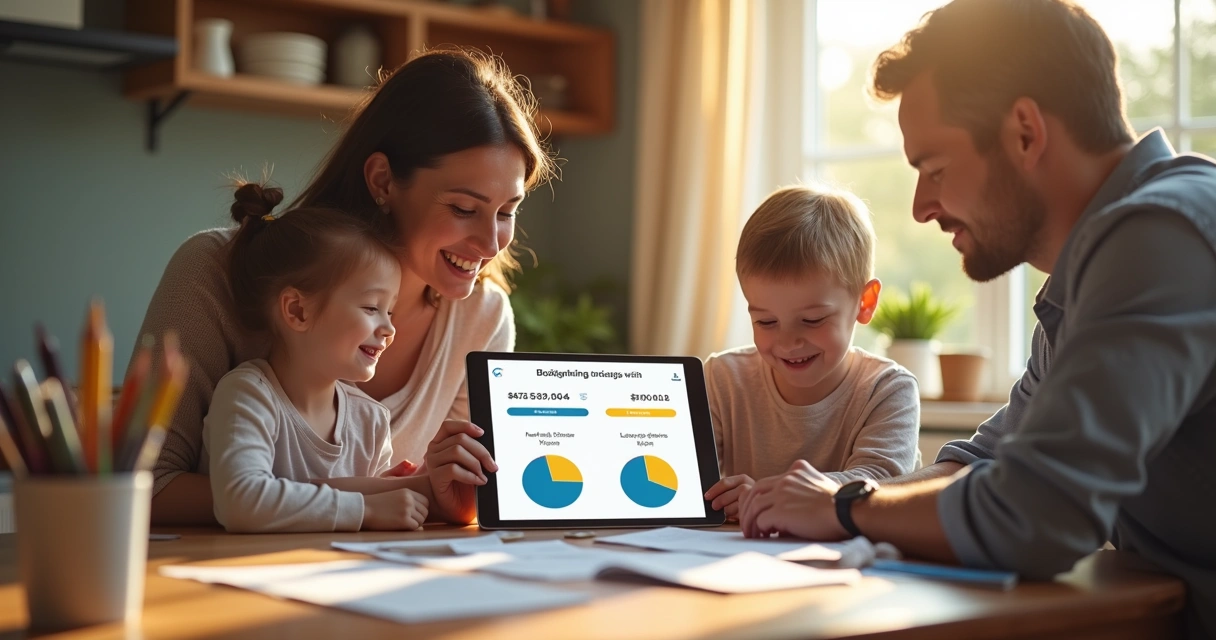
Can couples or families use one budgeting app together? Some apps allow us to share a single account, so partners or family members can collaborate on spending and saving in real time.
What if a budgeting app feels overwhelming? We suggest starting small, maybe by tracking just one or two categories, then growing from there as confidence builds.
Our honest opinion
We believe budgeting apps are not just for people with lots of spare time or a special interest in finance. They fit smoothly into busy routines and offer a way for anyone to make better money decisions, feel more confident, and have fewer surprises.
Small steps lead to big changes.
It is not about creating the “perfect” budget. Instead, we use these tools to see patterns, set priorities, and feel more informed every day. With the right app, running out of money by surprise can become a thing of the past. That is what we have seen, and what we hope for all who take the first step.