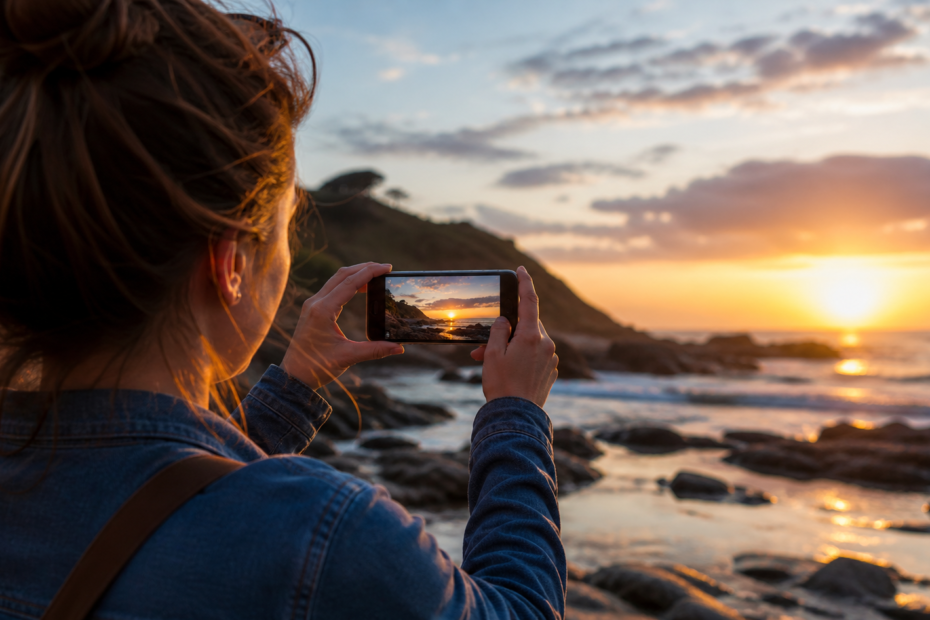
If you’ve ever taken an amazing photo but felt like it was missing that “extra touch” to make it truly stand out, you’re not alone. The good news is that nowadays, you don’t need to be an editing expert or use complex desktop software to achieve impressive results. With just a few taps on your phone, you can transform any image into something that looks professionally crafted.
In this article, you’ll discover the best apps for editing photos, understand what each one offers, and learn how to choose the right tool for your style. Get ready to take your images to the next level—whether for social media, work, or personal projects.
Why does photo editing make such a difference?
Editing a photo doesn’t mean “faking” reality or drastically changing it. Instead, it’s about enhancing what’s already there: improving lighting, adjusting colors, fixing imperfections, and highlighting important details.
A good edit can:
- Make colors more vibrant and balanced
- Fix poor lighting
- Remove unwanted elements
- Create a unique visual style
- Increase visual impact on social media
And the best part? All of this can be done in just a few clicks.
Adobe Lightroom: The professional’s favorite
When it comes to professional editing, Lightroom is always at the top of the list. Developed by Adobe, it offers advanced tools that were once only available on computers.
Its biggest strength lies in the detailed control over settings like exposure, contrast, shadows, and color temperature. It also works exceptionally well with presets—ready-made filters that can completely transform the look of your photo in seconds.
Another major advantage is the ability to edit RAW images, ensuring maximum quality and flexibility.
If you’re aiming for a truly professional look and are willing to learn a bit more, this is the ideal app.
Snapseed: Powerful and free
Snapseed, developed by Google, is one of the most complete apps available—and it’s entirely free. It combines ease of use with advanced tools, making it perfect for both beginners and experienced users.
Some of its standout features include:
- Selective adjustments (edit specific parts of the image)
- Perspective correction
- Object and blemish removal
- Customizable filters
One of Snapseed’s greatest advantages is the level of precision it offers without making the interface complicated. It’s an excellent choice for high-quality editing without spending money.
VSCO: Style and unique aesthetics
VSCO stands out for something beyond technical editing: it’s known for its sophisticated, cinematic filters.
If you like photos with a more artistic identity—soft tones and a “film-like” feel—this app is perfect. It’s especially popular among content creators because it helps maintain a consistent visual aesthetic.
Although it includes basic editing tools, its real highlight is the presets. Many are paid, but the free version already offers solid options.
 PicsArt: Creativity without limits
PicsArt is ideal for those who want to explore creativity to the fullest. It goes far beyond traditional editing, allowing you to create compositions, add graphic elements, and apply bold effects.
Its features include:
- Artistic effects and unique filters
- Drawing tools
- Image cutouts and collages
- Text and sticker additions
If you want to create something unique, fun, or outside the box, PicsArt is a great choice.
Canva: Simplicity and practicality
Canva is widely known as a design tool, but it also offers excellent photo editing features.
It’s perfect for those who want quick results without complications. With just a few taps, you can:
- Apply ready-made filters
- Adjust brightness and contrast
- Add text and graphic elements
- Create social media-ready posts
It’s especially useful for content creators who need speed and efficiency in their workflow.
Remini: Focus on quality and sharpness
Remini became popular for using artificial intelligence to enhance photo quality, especially for old or blurry images.
It can:
- Increase sharpness
- Restore old photos
- Improve portraits
- Fix low-resolution images
If you have photos that came out blurry or low quality, this app can deliver surprisingly good results.
Afterlight: The perfect balance
Afterlight is a great option for those looking for a balance between simplicity and advanced features.
It offers:
- Elegant filters
- Textures and light effects
- Fine-tuned adjustments
- An intuitive interface
It’s widely used by people who want beautiful results without diving into complex settings.
How to choose the right app?
With so many options available, choosing can feel overwhelming. But it all depends on your goal.
If you want professional-level editing: go with Lightroom
If you want a free, complete app: Snapseed is a great choice
If you prefer aesthetic and style: VSCO is ideal
If you enjoy creative and artistic editing: PicsArt is perfect
If you need speed and simplicity: Canva gets the job done
If you want to enhance photo quality: Remini is your best bet
In practice, many people use more than one app, combining different features to achieve the desired result.
Tips to make your photos look professional
Having a good app helps, but knowing how to use it makes all the difference. Here are some tips that can completely transform your edits:
Avoid overdoing it
Strong filters or excessive saturation can make images look unnatural. Less is more.
Adjust lighting first
Before applying filters, fix exposure, contrast, and shadows. This alone can dramatically improve your photo.
Use smart cropping
Framing matters a lot. Crop your image to highlight the main subject.
Keep a consistent style
If you post on social media, try to maintain a consistent look. This builds a strong visual identity.
Explore presets
They save time and can deliver professional-looking results with minimal effort.
The future of photo editing is in your pocket
The evolution of editing apps has made something possible that once seemed far away: professional-quality photo editing directly on your smartphone.
Today, with accessible and intuitive tools, anyone can turn ordinary images into stunning visuals. Whether you’re a beginner or experienced, there’s always an app that fits your style.
The key is to experiment, explore, and find what works best for you.
Conclusion: More than editing, it’s about creating
Editing photos isn’t just about fixing imperfections. It’s a form of expression. It’s about bringing your vision to life, highlighting emotions, and telling stories through images.
With apps like Lightroom, Snapseed, VSCO, PicsArt, Canva, Remini, and Afterlight, you have a complete editing studio right in your hands.
Now it’s your turn: pick your favorite app, open your gallery, and start transforming your photos into something truly memorable.